Quick Start#
After logging in for the first time, it is recommended to change the default password by clicking Change Password at the top right
It is recommended to add the translation engine first before adding the feed, unless you just want to proxy the source
After adding the feed for the first time, it will take some time to translate and generate, it may take about 1 minute.
If content translation is ticked, it will take longer in order to keep the formatting.
Status Description:
 | Processing |
 | Processing Complete/Valid |
 | Processing Failed/Invalid |
The current status is not updated automatically, please refresh the page to get the latest status.
Add Translation Engine#
Select the translation engine provider you want to add on the left and click the +Add button.
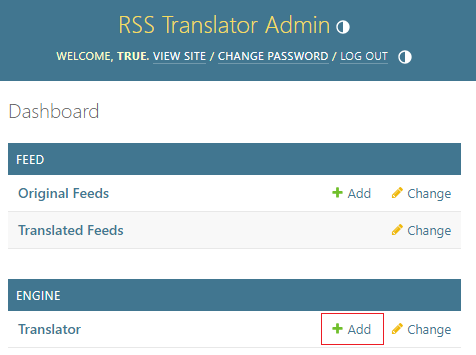 Then enter the relevant information and save
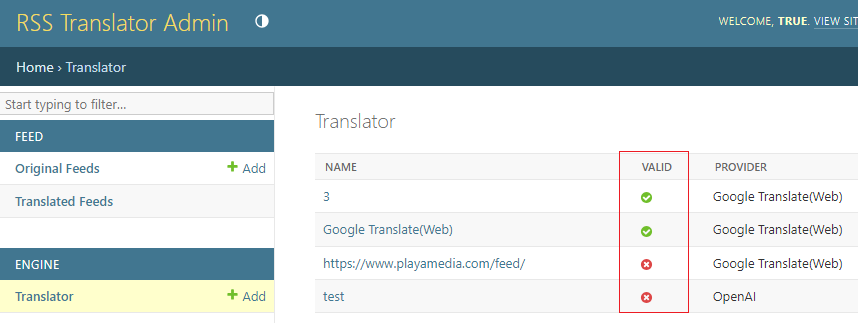
Check that it is valid, if it is not, you need to check the information you have entered and re-save to validate it.
Add Feeds#
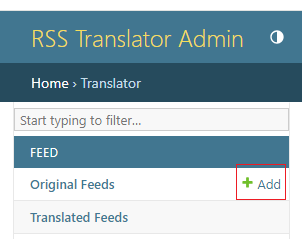
Click the +Add button in Original Feeds on the left.
 Enter the relevant information
Save and jump to the list of feeds
Enter the relevant information
Save and jump to the list of feeds
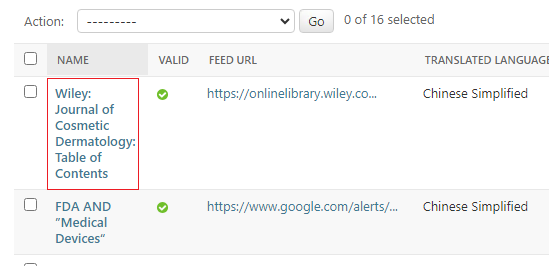 You need to make sure that the added feed is valid, then click on the name to go to the detail page
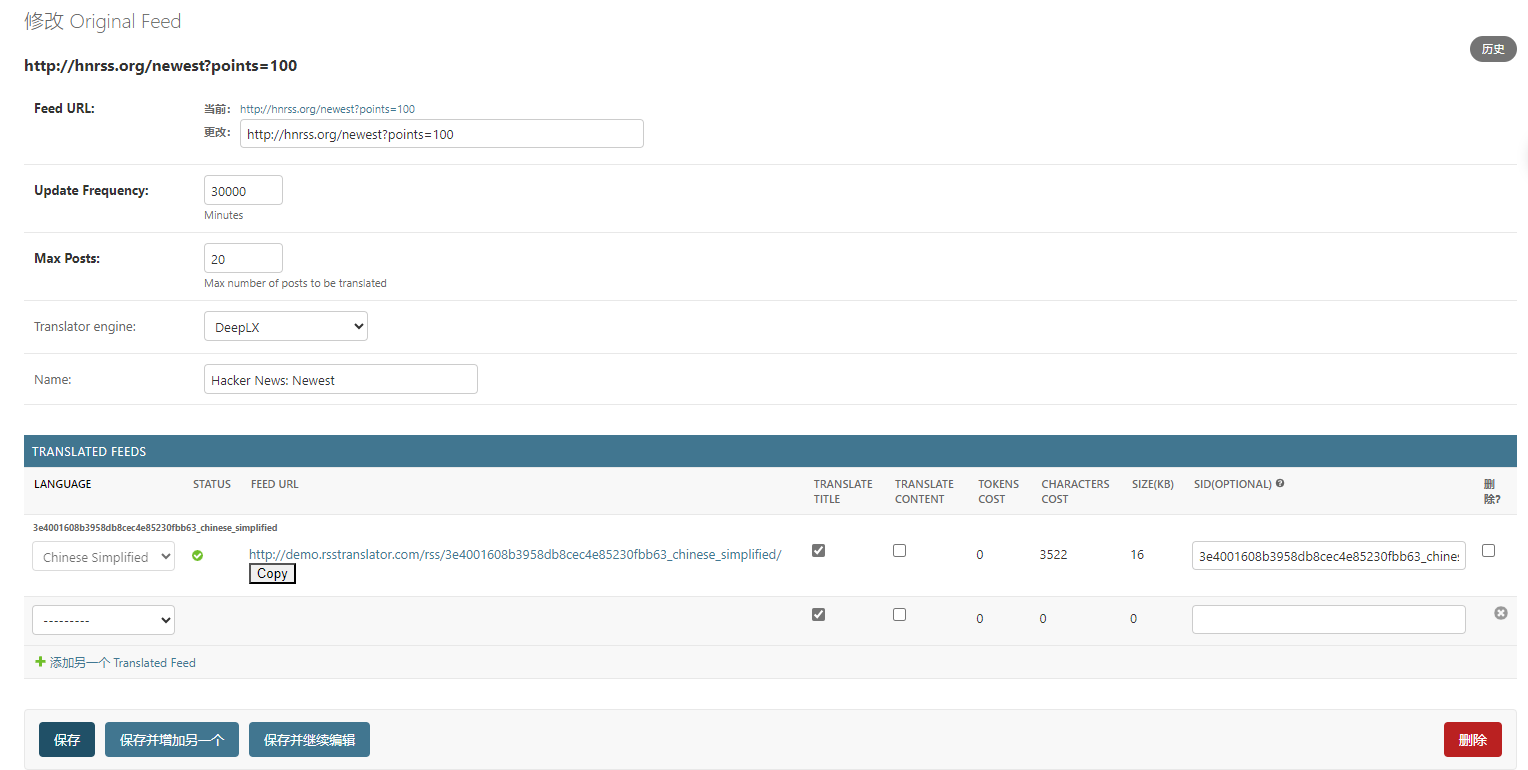 Wait for the status of the translated feed to complete, then copy the FEED URL next to it and subscribe to it using your favourite reader!
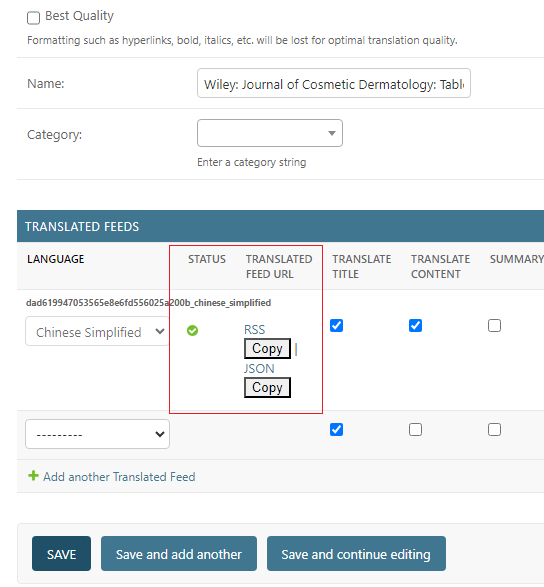 If you just translate the title and use the paid translation engine, it will take about 1 minute to translate.
If translated content is ticked, it will take longer in order to maintain the translated format.
Actions#
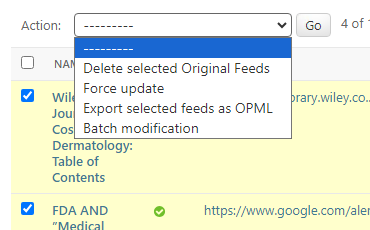
Tick the source you want to operate, click Action, select the corresponding option, and click Go.
Combine Subscription Link#
Use the following link to merge all translation sources into one source:
http://127.0.0.1:8000/rss/all/t.
It is also possible to subscribe to a category of sources individually:
http://127.0.0.1:8000/rss/category/mycategory-1
The merge is done in real time when you visit this URL, it is relatively resource intensive and the page is cached for 15 minutes.
Viewing the service log#
After logging in, just visit the log in the address bar: http://127.0.0.1:8000/log
Use json feed#
add the /json path after /rss:
http://127.0.0.1:8000/rss/json/<sid>
Field Descriptions#
| Field Names | Fields | Description |
|---|---|---|
| Original Feed | Original Feeds | Original Feed List |
| Translated Feeds | Translated Feeds | List of Translated Feed Sources |
| Update Frequency | Update Frequency | Interval between feed updates (minutes) |
| Max Posts | Maximum number of translated posts, default is only the first 20 posts | |
| Translator engine | Translator engine | The translation engine used, only valid translation engines will appear in the dropdown box |
| Name | Name | Optional, the name to be displayed in the admin page, default is the source title |
| Language | Language | select the language you want to translate into |
| TRANSLATE TITLE | TRANSLATE TITLE | |
| TRANSLATE CONTENT | TRANSLATE CONTENT | TRANSLATE CONTENT, unchecked by default |
| SID | SID | Custom translation source subscription address, default is a randomly generated address. Only support to change the address when you add it for the first time, you can't change it after you add it. For example, if sid is set to "hacker_news", the subscription address will be "http://127.0.0.1:8000/rss/hacker_news" |
| Last Updated | Last Updated(UTC) | Date and time when the source was last updated (UTC time zone) |
| Last Pull(UTC) | Last Updated(UTC) | Last Updated(UTC) |